USER INTERFACE
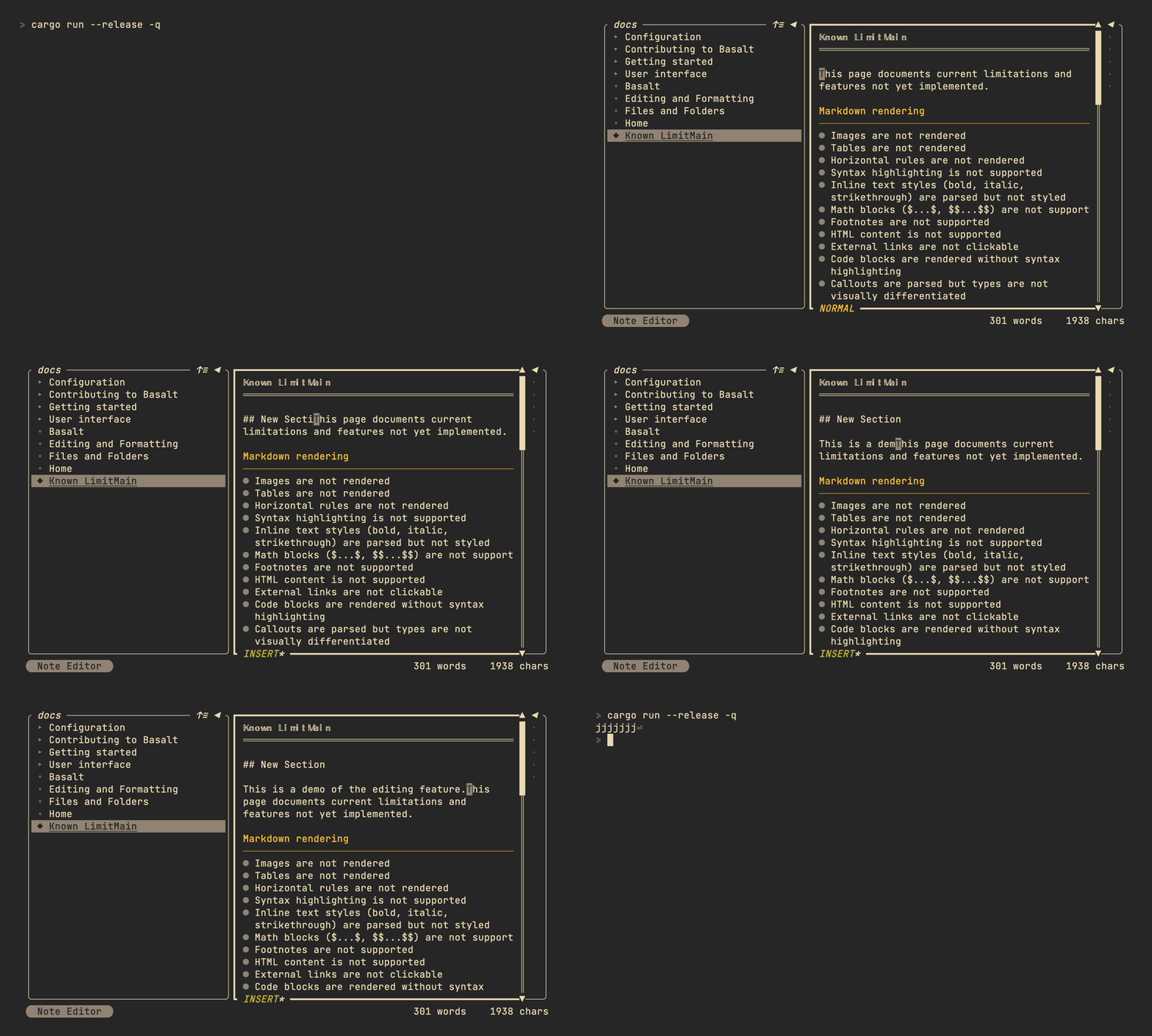
Editor (experimental)
[!WARNING]
The editor is experimental and subject to change. It is built from scratch with limited capabilities. More features will be added incrementally.
To enable the experimental editor, add the following to your Configuration file:
experimental_editor = true

Views
Basalt follows Obsidian's view model with a reading view and an edit view.
Reading view
Renders the note without markdown syntax, similar to Obsidian's reading view.
| Mapping | Description |
|---|---|
↑ | Move cursor up |
↓ | Move cursor down |
Ctrl+D | Scroll down half page |
Ctrl+U | Scroll up half page |
i | Switch to edit view |
Ctrl+E | Toggle to edit view |
Edit view
Displays the raw markdown source and allows editing.
[!WARNING]
Edit view key mappings cannot be modified at the moment.
| Mapping | Description |
|---|---|
Backspace | Delete one character before cursor |
Enter | Insert newline |
→ | Move cursor forward |
← | Move cursor backward |
↑ | Move cursor up |
↓ | Move cursor down |
Alt+→ | Move cursor forward by word |
Alt+← | Move cursor backward by word |
Ctrl+X | Save note |
Ctrl+E | Toggle to read view |
Shift+R | Switch to read view |
Esc | Exit edit mode |
Limitations
- No undo/redo support
- No clipboard operations (copy/paste/cut)
- No text selection
- No multi-line or line/word deletion
- No jumping to start/end of line or document
- Single block editing only (only the block under the cursor can be edited)