Basalt
Basalt is a TUI to manage Obsidian vaults and notes directly from the terminal. It renders markdown with WYSIWYG-style formatting, provides vim-inspired navigation, and works as a companion to Obsidian.
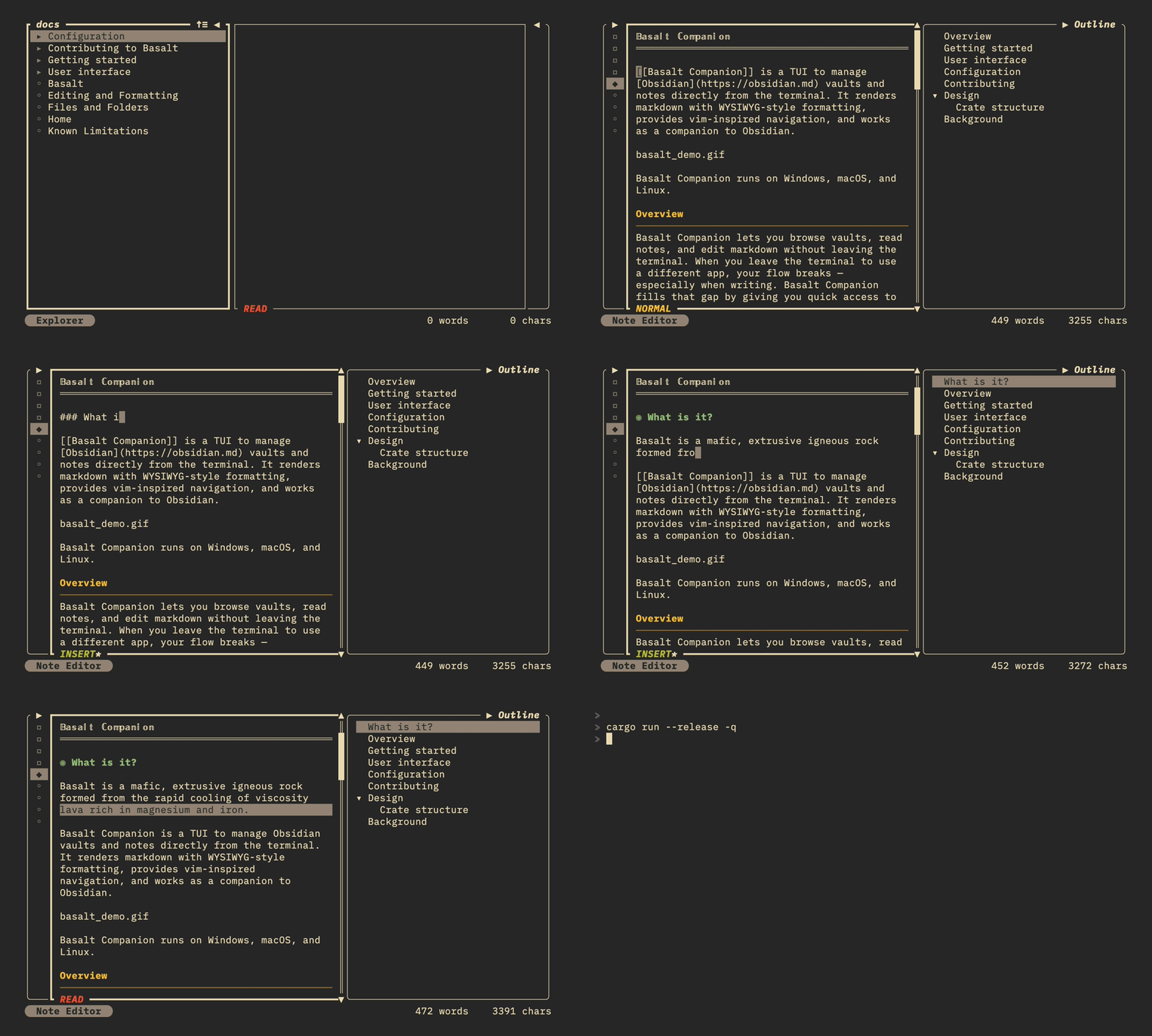
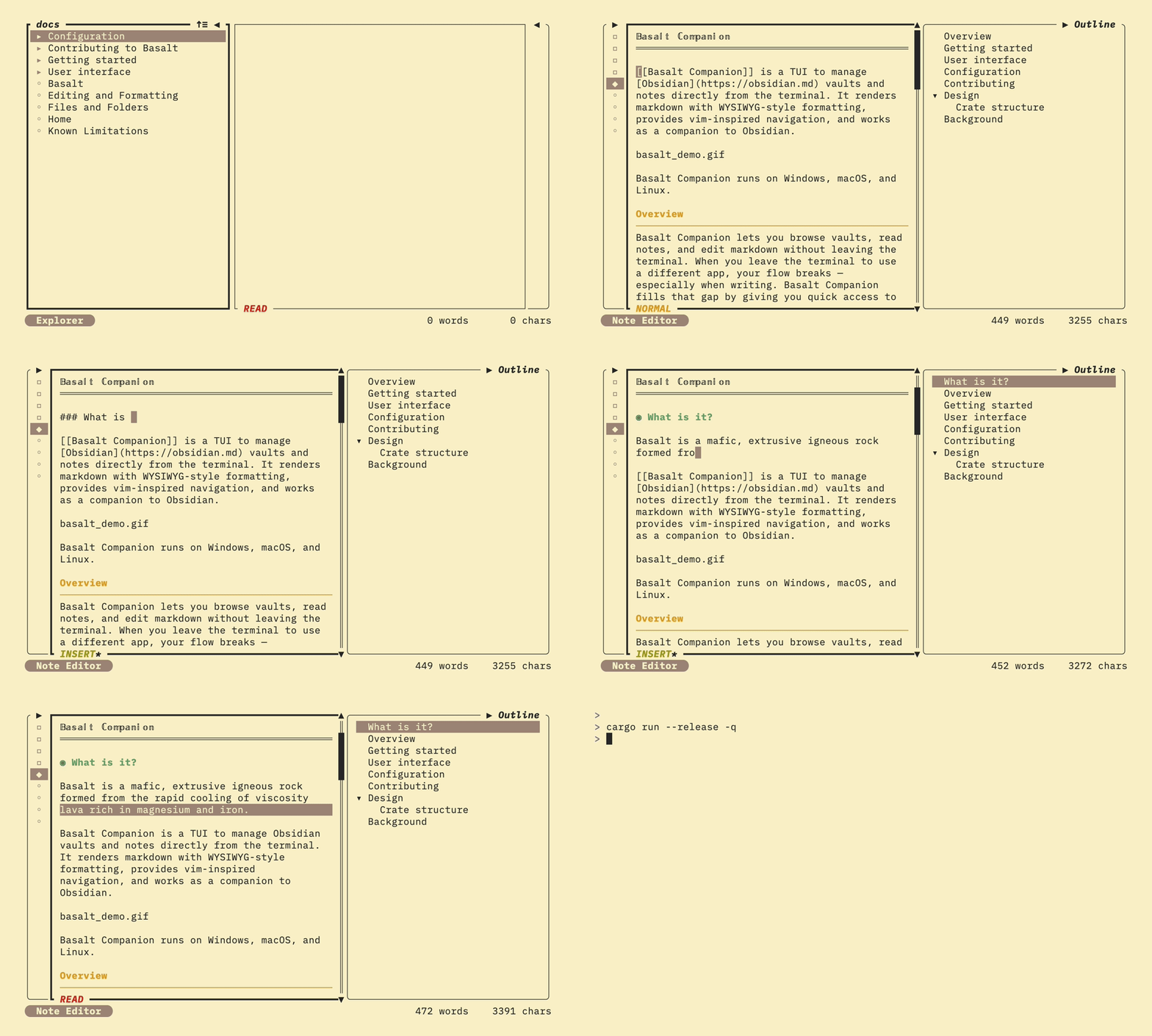
Basalt runs on Windows, macOS, and Linux.
Overview
Basalt lets you browse vaults, read notes, and edit markdown without leaving the terminal. When you leave the terminal to use a different app, your flow breaks — especially when writing. Basalt fills that gap by giving you quick access to your notes and vaults with a single command.
Basalt is not a replacement for Obsidian. It is a minimalist terminal companion with readable markdown rendering and familiar keybindings. The built-in editor is experimental and has limited capabilities; see Editor (experimental) for details.
Getting started
Install Basalt and open your first vault.
User interface
Basalt's interface is divided into panes, modals, and a status bar that let you browse and edit your notes.
Configuration
Customize Basalt with key mappings, custom commands, and external tool integrations through a TOML configuration file.
Contributing
Basalt is open for contributions. See Contributing to Basalt for details.
Design
Basalt follows an Elm-inspired architecture — a functional pattern built on unidirectional data flow and explicit state management.
Event → Message → Update → State → Render → Event
The architecture has three core concepts:
Model — The application state is represented by immutable data structures. The central AppState holds all state, with each UI component maintaining its own sub-state. State is never mutated directly.
Messages — User actions and events are represented as typed messages. Each component defines its own message enum (e.g., explorer::Message::Select, note_editor::Message::CursorUp). Messages describe what happened, not how to handle it.
Update — The update function takes the current state and a message, then returns the new state and optionally a new message. Messages can cascade: when one component's update returns a message for another component, the cycle continues until no new messages are produced.
Crate structure
Basalt is organized as a Rust workspace with three crates:
| Crate | Purpose |
|---|---|
basalt-core | Domain logic and Obsidian integration (vault, note, markdown parsing). No UI dependencies. |
basalt-widgets | Reusable ratatui widgets for the TUI |
basalt (basalt-tui) | The main TUI application, combining core logic with the user interface |
Background
I have been using Neovim and the official Obsidian app. I wanted something dedicated that offers the same writing experience as Neovim, but with the WYSIWYG experience from the Obsidian app. I'm aware of obsidian.nvim, which many people find more than sufficient, but I want to see images, beautified text, note graphs, and more — all without leaving the terminal.