USER INTERFACE
Explorer
The Explorer is the sidebar pane on the left side, displaying folders and notes in the current vault.
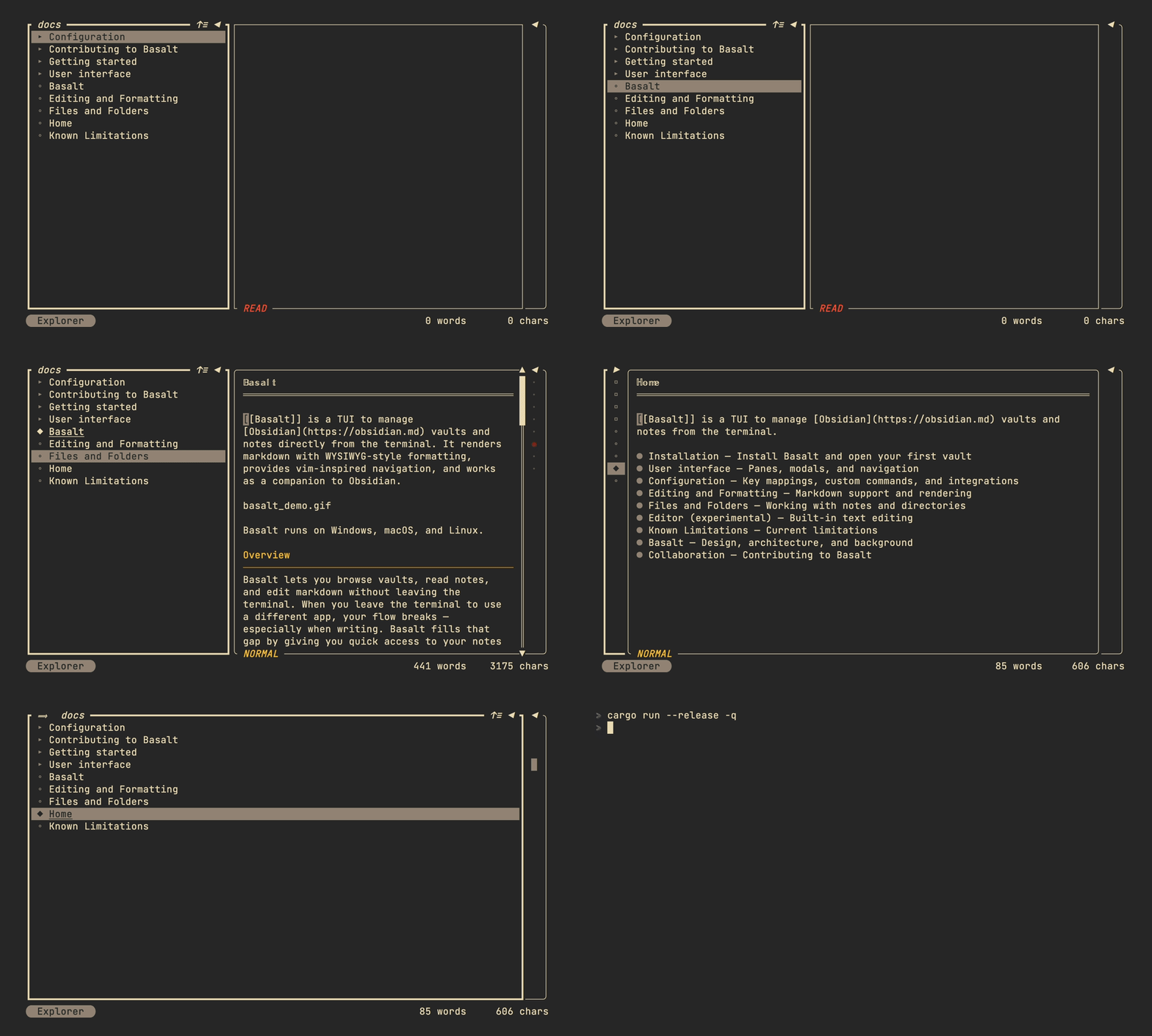
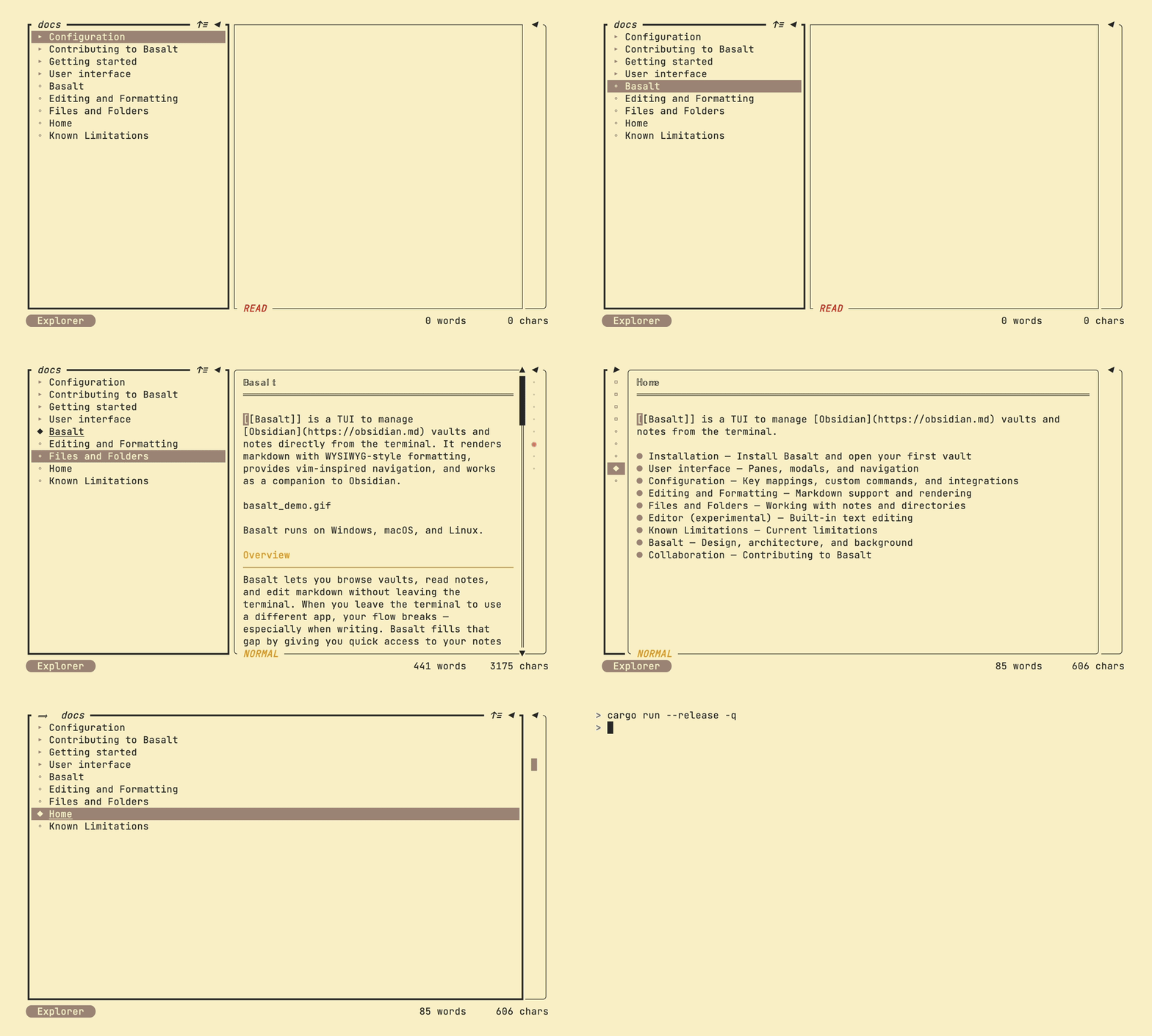
Use j/k or arrow keys to move through the file list and Enter to open a note in the Note editor. You can sort the list with s, resize the pane with h/l, and rename notes or directories with r (press i in the rename dialog to start typing).
Key mappings
| Mapping | Description |
|---|---|
j / ↓ | Move selector down |
k / ↑ | Move selector up |
Enter | Open selected note |
s | Toggle sort between A-z and Z-a |
n | Create new untitled note |
N | Create new untitled folder |
r | Rename selected note or directory |
t | Toggle explorer pane |
h / ← | Hide pane (stepped) |
l / → | Expand pane (stepped) |
Tab | Switch to next pane |
Shift+Tab | Switch to previous pane |
Ctrl+B | Toggle explorer pane |
Ctrl+O | Toggle outline pane |
Ctrl+U | Scroll up half page |
Ctrl+D | Scroll down half page |