USER INTERFACE
Note editor
The Note editor is the main pane in the center of the interface. It displays the selected note with rendered markdown, including headings, lists, code blocks, and other elements.
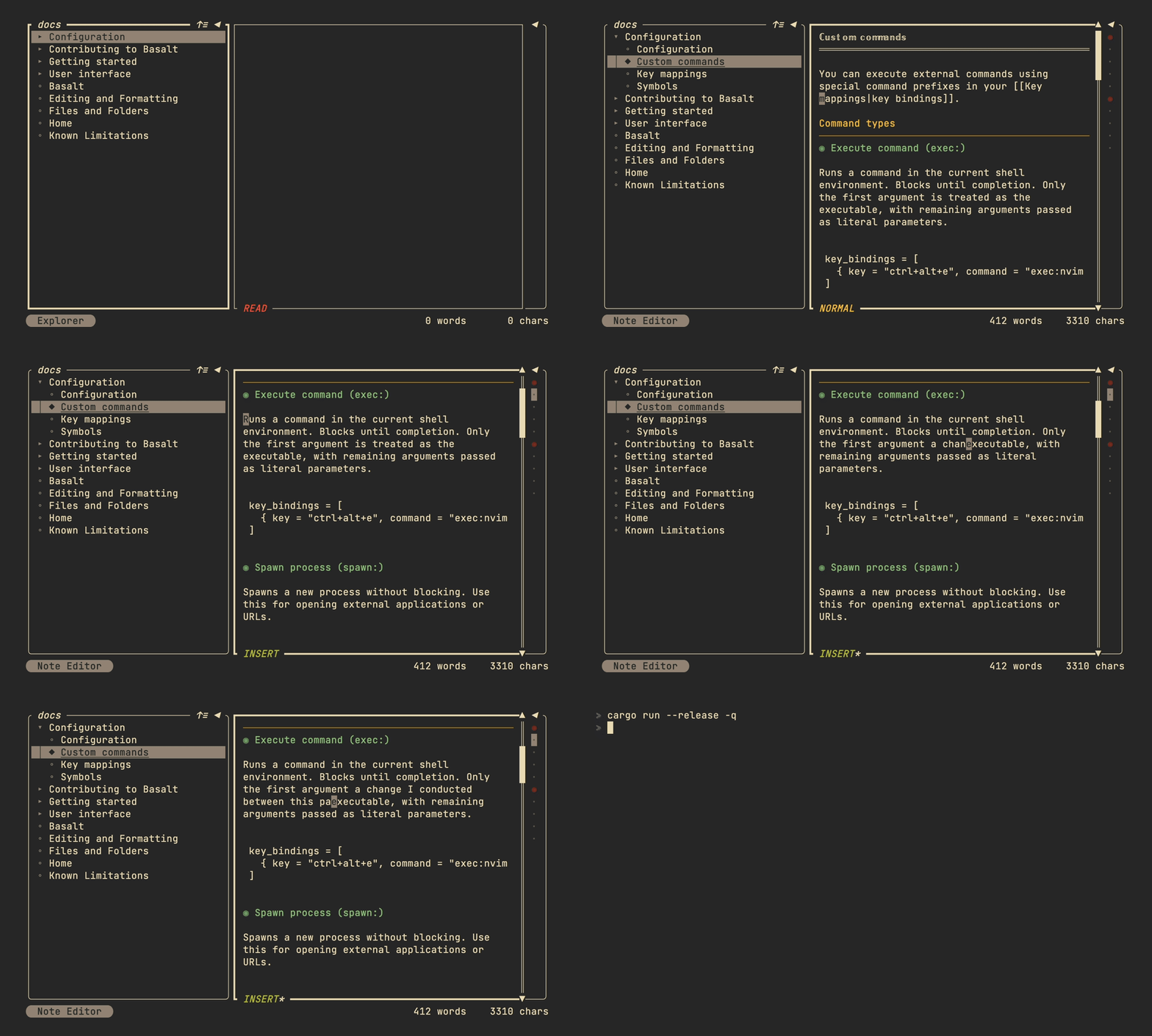
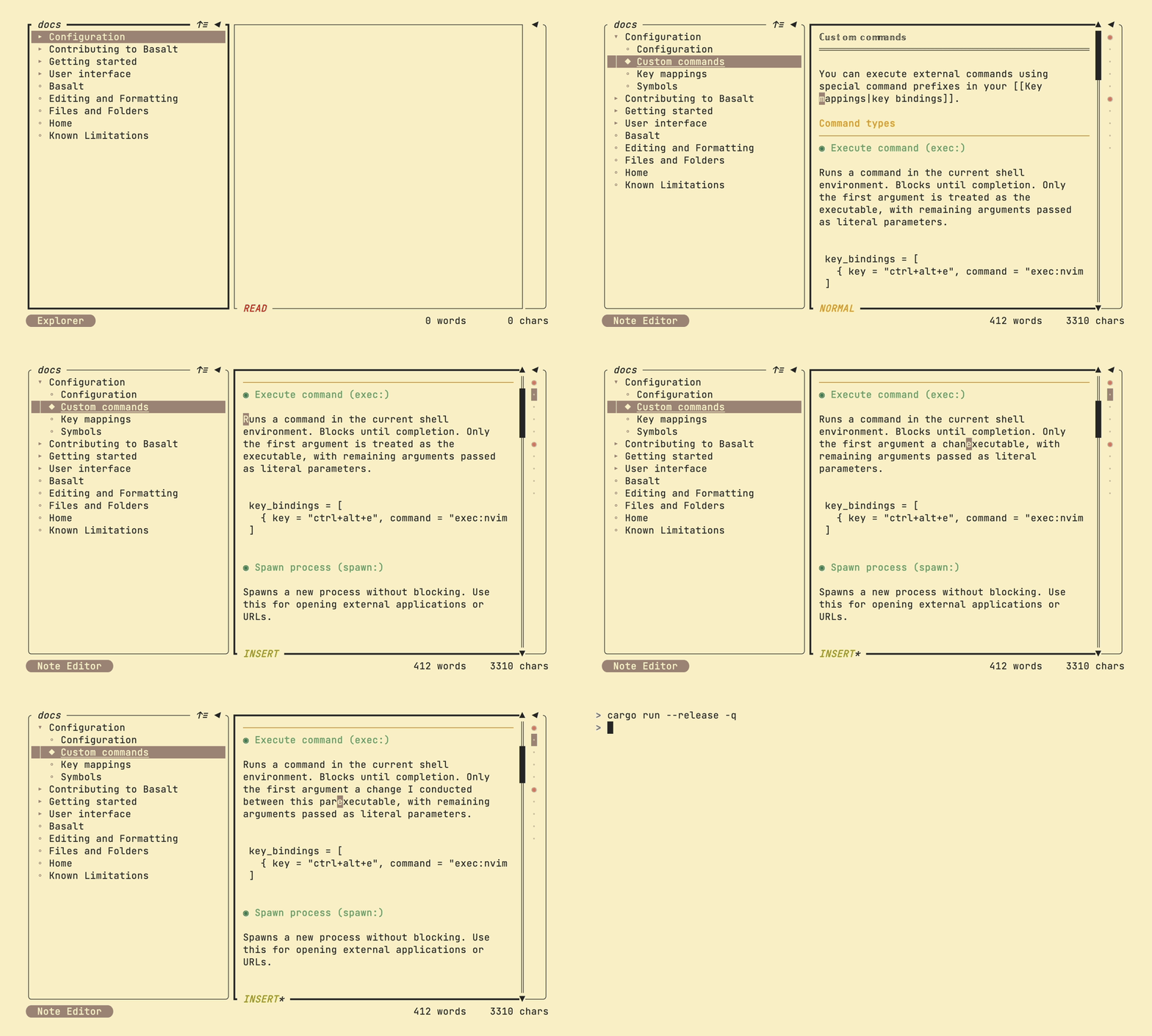
Use j/k or arrow keys to scroll through the note. You can scroll faster with Ctrl+U and Ctrl+D for half-page jumps.
Key mappings
| Mapping | Description |
|---|---|
j / ↓ | Move cursor down |
k / ↑ | Move cursor up |
t | Toggle explorer pane |
Tab | Switch to next pane |
Shift+Tab | Switch to previous pane |
Ctrl+B | Toggle explorer pane |
Ctrl+O | Toggle outline pane |
Ctrl+U | Scroll up half page |
Ctrl+D | Scroll down half page |
For text editing capabilities, see Editor (experimental).