USER INTERFACE
Outline
The Outline is the pane on the right side, listing headings from the current note. Use it to get an overview of the note structure and jump to specific sections.
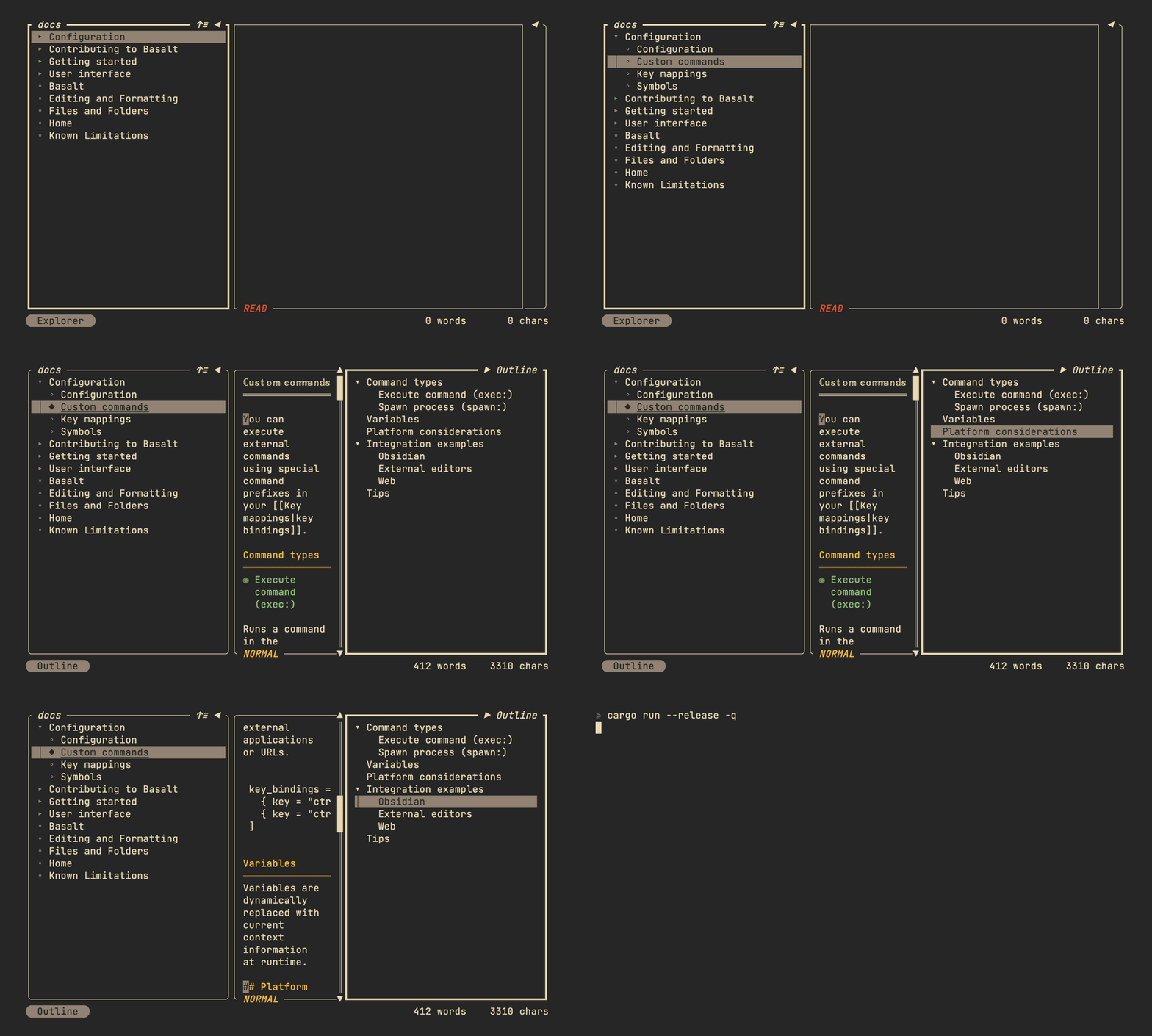
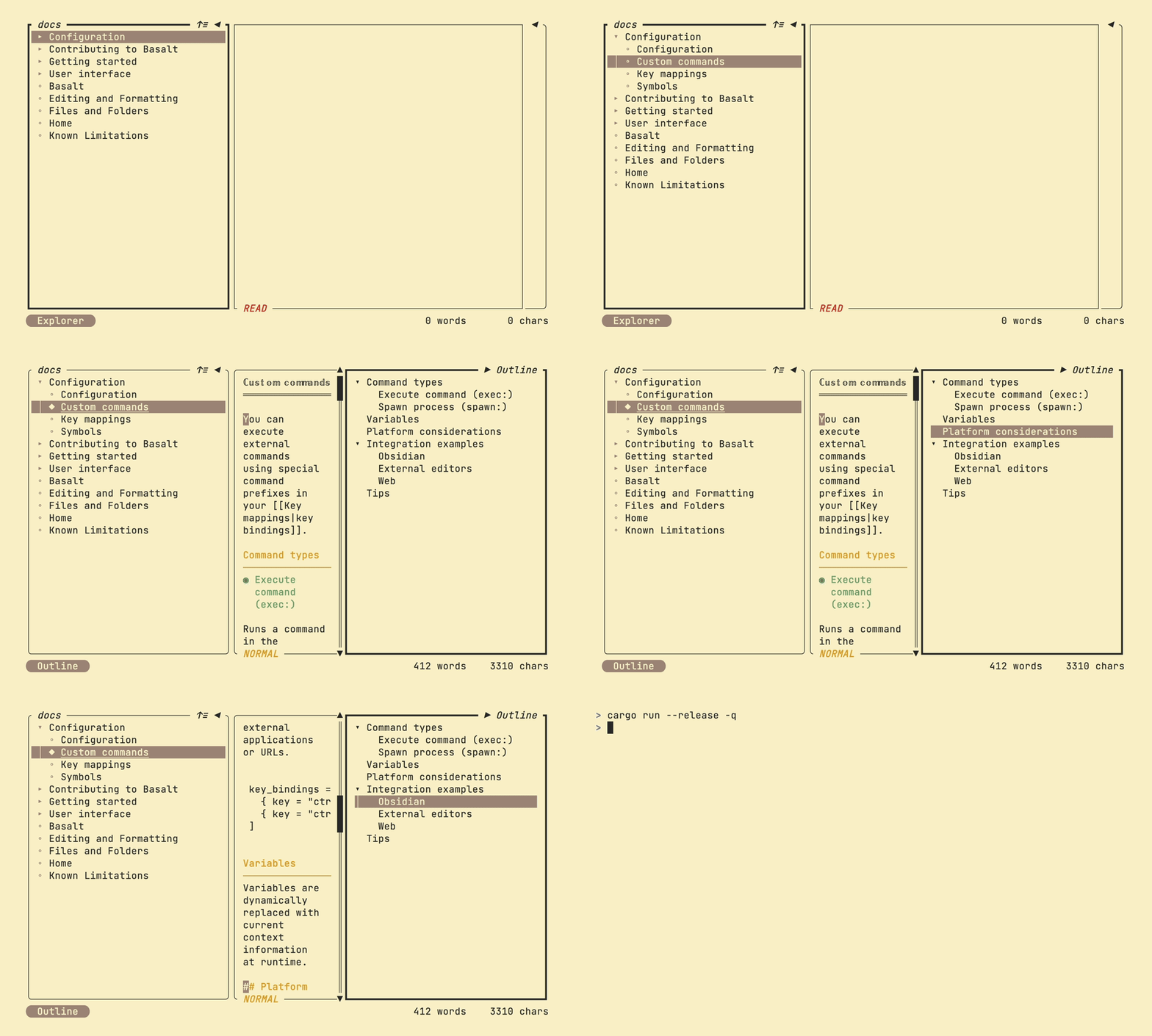
Use j/k or arrow keys to move through the headings. Press Enter to expand or collapse a heading, and g to jump to that heading in the Note editor.
Key mappings
| Mapping | Description |
|---|---|
j / ↓ | Move selector down |
k / ↑ | Move selector up |
Enter | Expand or collapse heading |
g | Jump to selected heading in editor |
t | Toggle explorer pane |
Tab | Switch to next pane |
Shift+Tab | Switch to previous pane |
Ctrl+B | Toggle explorer pane |
Ctrl+O | Toggle outline pane |