Installation
Installation
Basalt is available to install via Cargo, aqua, and as pre-compiled binaries from GitHub releases.
Cargo
cargo install basalt-tui
aqua
aqua g -i erikjuhani/basalt
Pre-compiled binaries
Download the appropriate archive for your system and architecture from GitHub releases, extract it, and move the basalt binary to a location in your PATH.
Starting Basalt
Once installed, launch basalt from your terminal:
basalt
Basalt opens in the splash screen, showing a list of your Obsidian vaults discovered automatically from Obsidian's configuration. Use j/k or arrow keys to navigate and Enter to open a vault.
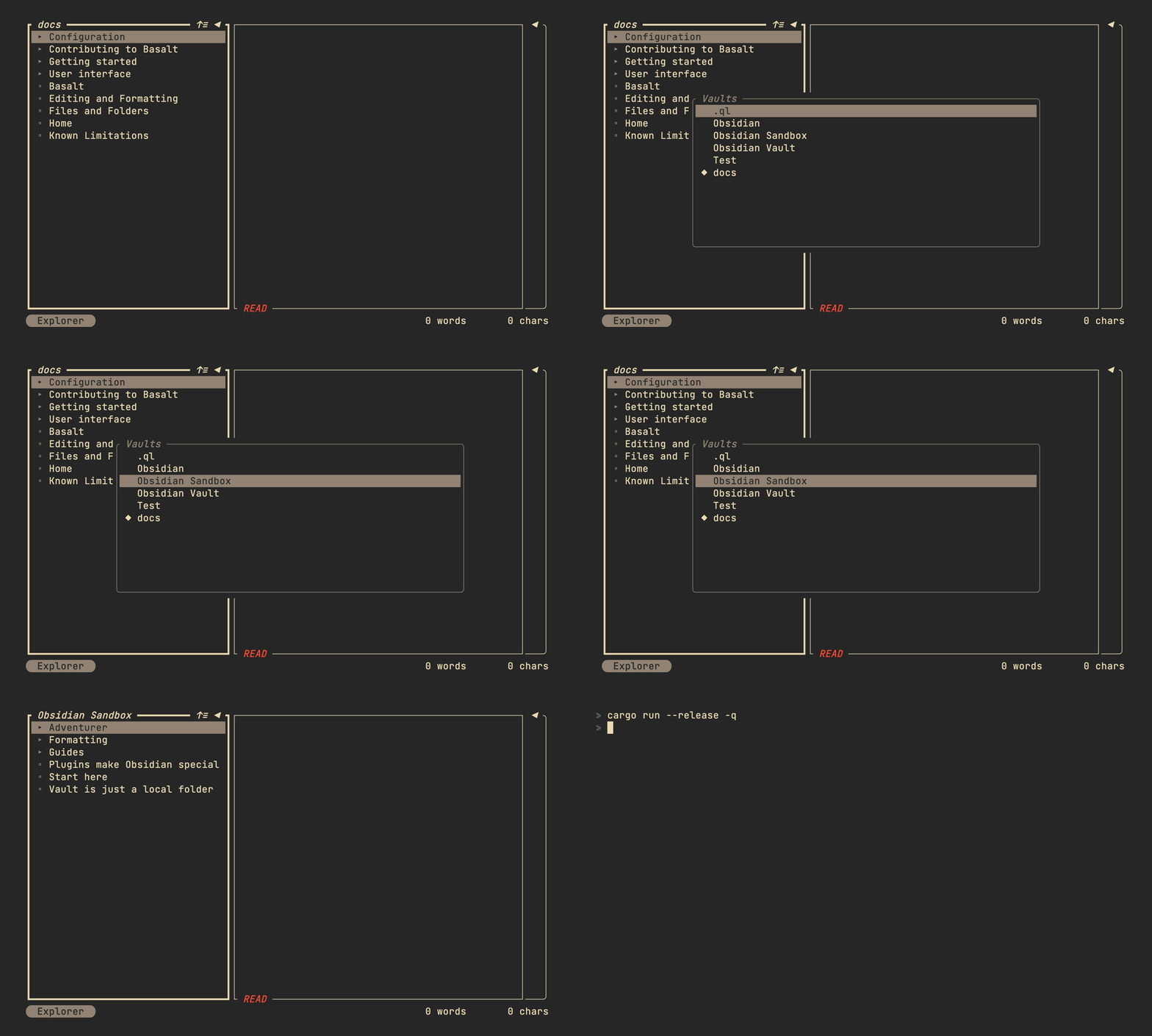
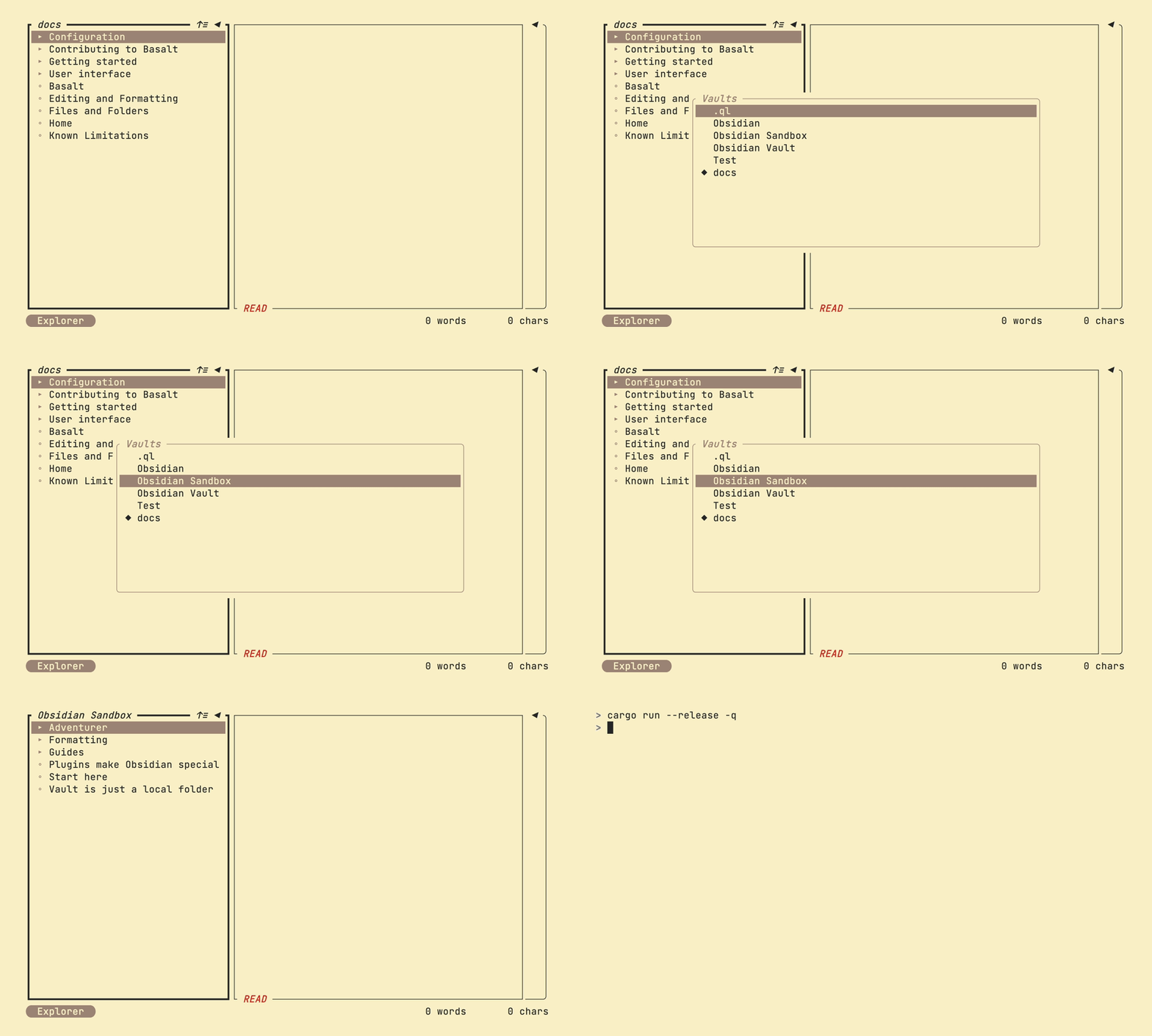
Navigating a vault
Once inside a vault, the interface is divided into three panes:
- Explorer on the left — browse folders and notes
- Note editor in the center — view the selected note with rendered markdown
- Outline on the right — navigate headings in the current note
Use Tab and Shift+Tab to move focus between panes. The status bar at the bottom shows which pane is active.
Opening a note
In the Explorer, use j/k or arrow keys to move through the file list. Press Enter to open a note in the Note editor.
Switching vaults
Press Ctrl+g to open the vault selector and switch to a different vault.
Getting help
Press ? to open the help modal. It shows the available key mappings for the currently active pane.
For more on the interface, see User interface.